Install
Get Bloxelizer on your home screen.
One-handed access to the slicer, materials list, and viewer — straight from your phone.
Apple devices
iOS · Safari
Two taps in Safari and you're done.
01
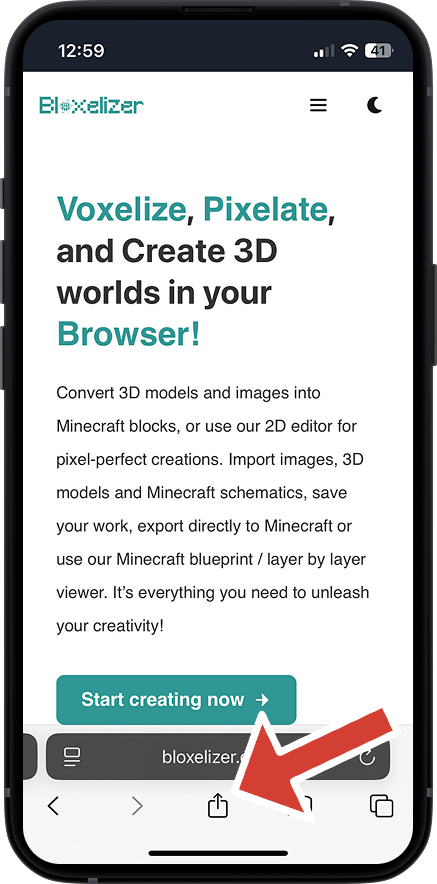
Open the share menu
Tap the Share button in Safari.
02
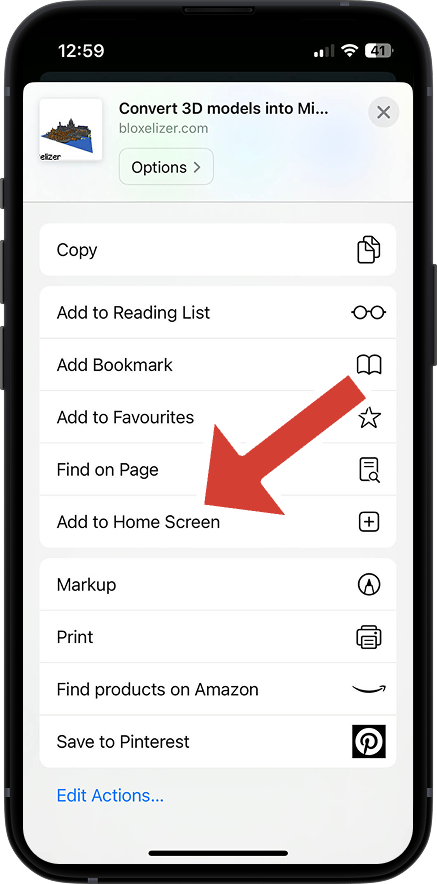
Add to home screen
Scroll down and tap Add to Home Screen.
Android devices
Android · Chrome
Same idea, from the Chrome overflow menu.
01
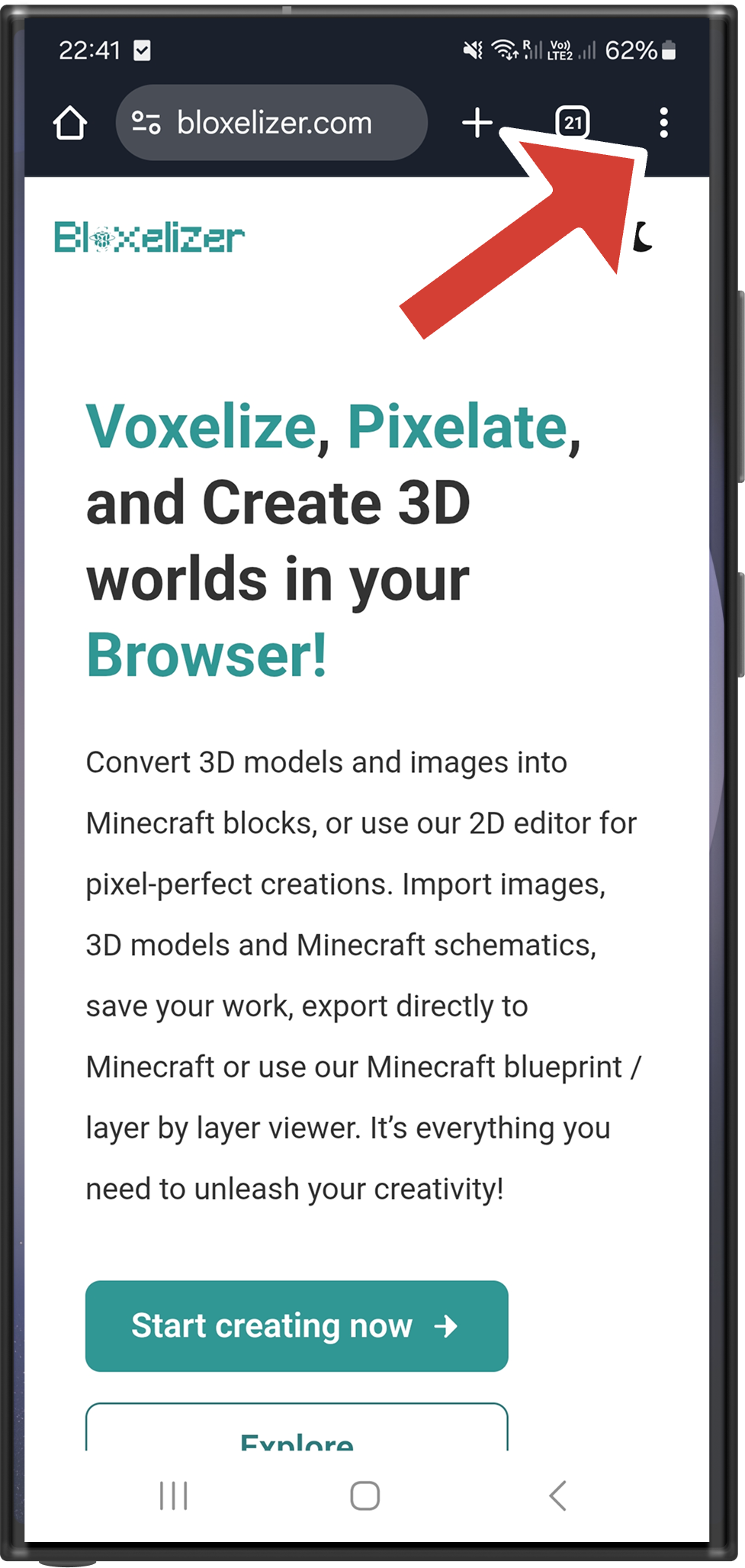
Open the menu
Tap the three-dot menu in the top-right corner of Chrome.
02
Install the app
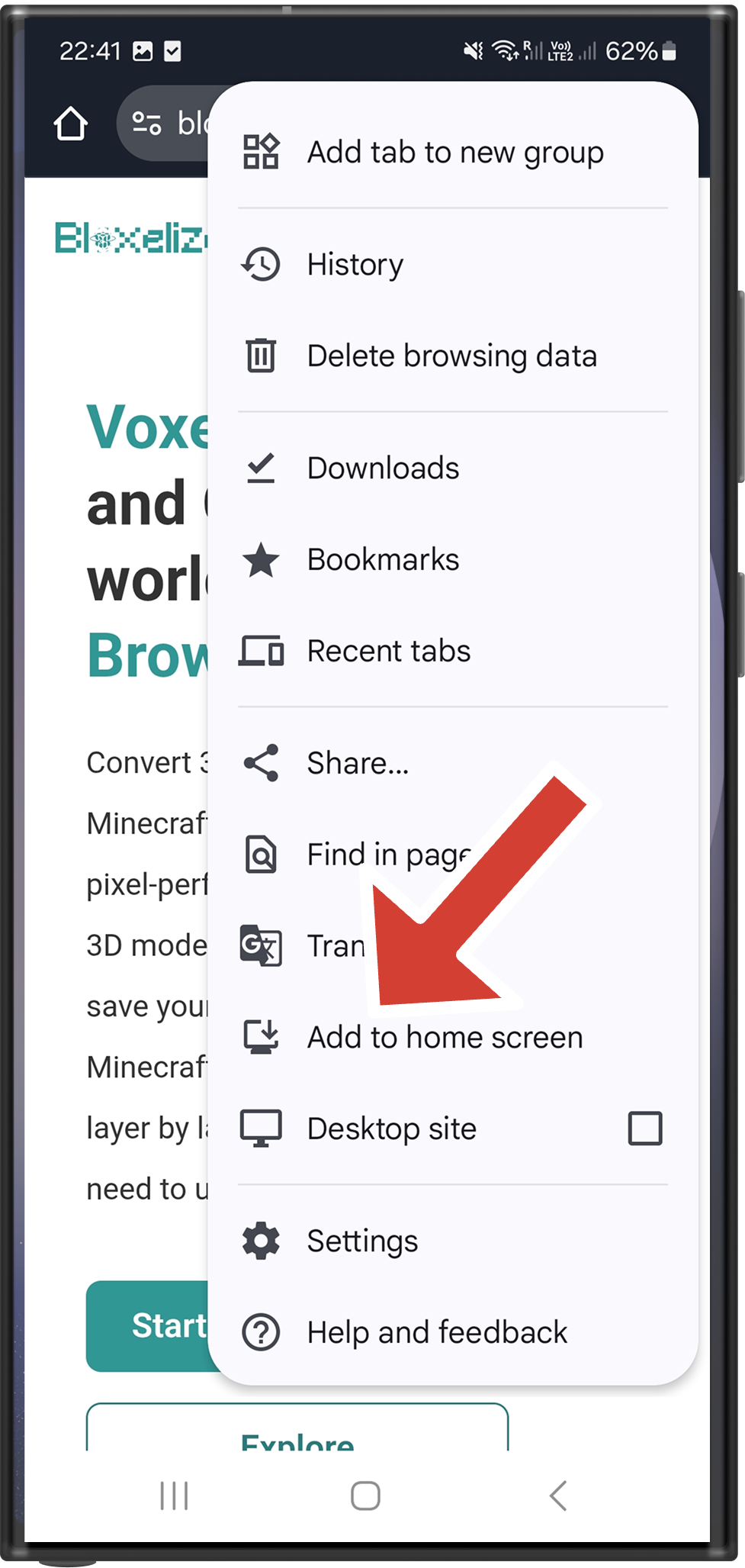
Tap Add to Home screen.